Websites like YouTube and Vimeo have increased in popularity for hosting and viewing videos. A large part of their appeal is that they take the frustrating work of preparing and compressing videos for the web off your hands. You upload a video, and they do the rest. And conveniently, you can embed videos you've uploaded to one of these services onto your own web page. However, they do not use an HTML5 video method, but rather something called an <iframe>.
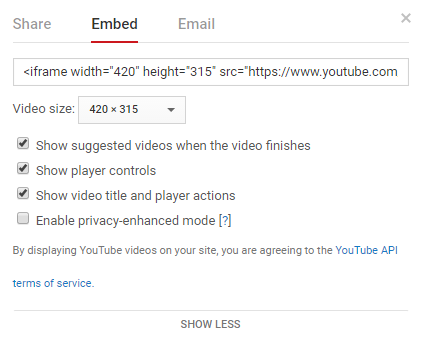
The <iframe> tag creates an element that contains content from another document, which includes PDFs and other websites. These video services automatically generate code for you to add to your website when you click options on the video's page labeled as "Share" and "Embed". Clicking these selections will reveal the code that you need to copy and paste and you're done.
 |
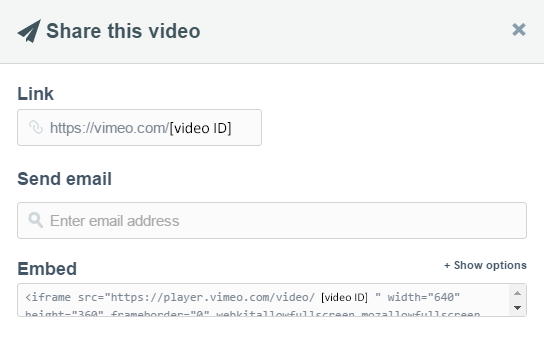 |
| Embed options for YouTube | Embed options for Vimeo |
There are advantages and disadvantages to each approach. If you host your own video, you have more control over the content, but it will really eat up your bandwidth and file space. If you use a free service like YouTube or Vimeo, it's much easier for you and your website, but then you may need to deal with slower loading speeds and advertisements being added before your video.
If a designer's website is for a business, a paid video hosting service may be the best bet. They offer better bandwidth, file space, quality and no ads. Otherwise, free services are most likely the most convenient and attainable option.
