This page will walk you through how to get an account on Neocities.
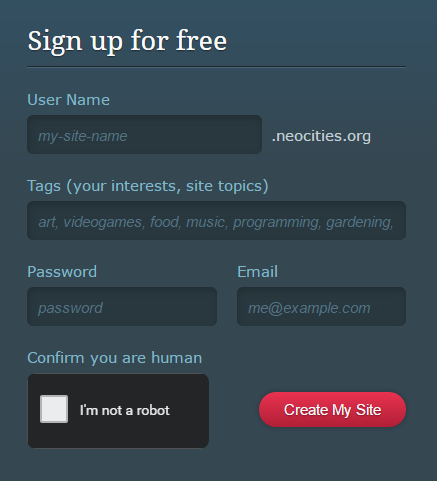 When you arrive at the home page, you will see an introduction describing the service, and a small form next to it with the heading "Sign up for free", as pictured to the right.
Fill in the information requested in the form. Choose your User Name carefully, as that will be the beginning of your URL when you share links to your website. So if you pick "candy-bubbles" as your User Name, your website's URL will be candy-bubbles.neocities.org—just a fair warning. Then, choose a password and a working email address. Click the box labeled "I'm not a robot", and then click "Create My Site." If any information isn't acceptable or missing, it will direct you to what needs to be fixed. Otherwise, your brand new account will generate.
The email account you added to the sign-up form will receive an email asking you to confirm your account. Go to this email and follow the link inside it. Once this is complete, the only other thing you'll likely receive is a "Welcome to Neocities" email.
Whenever you return to Neocities.org, you'll click the "Sign In" link in the upper right corner. If your browser saves your login information, your account may remain logged in on your computer.
Now that you're registered, we'll learn how to set up your website.
